AI recipe generator: enter ingredients, get recipes
What can I cook with what's left? The CookGen app turns your ingredients into matching recipes – free, no account, no tracking.
Get the app free- 1
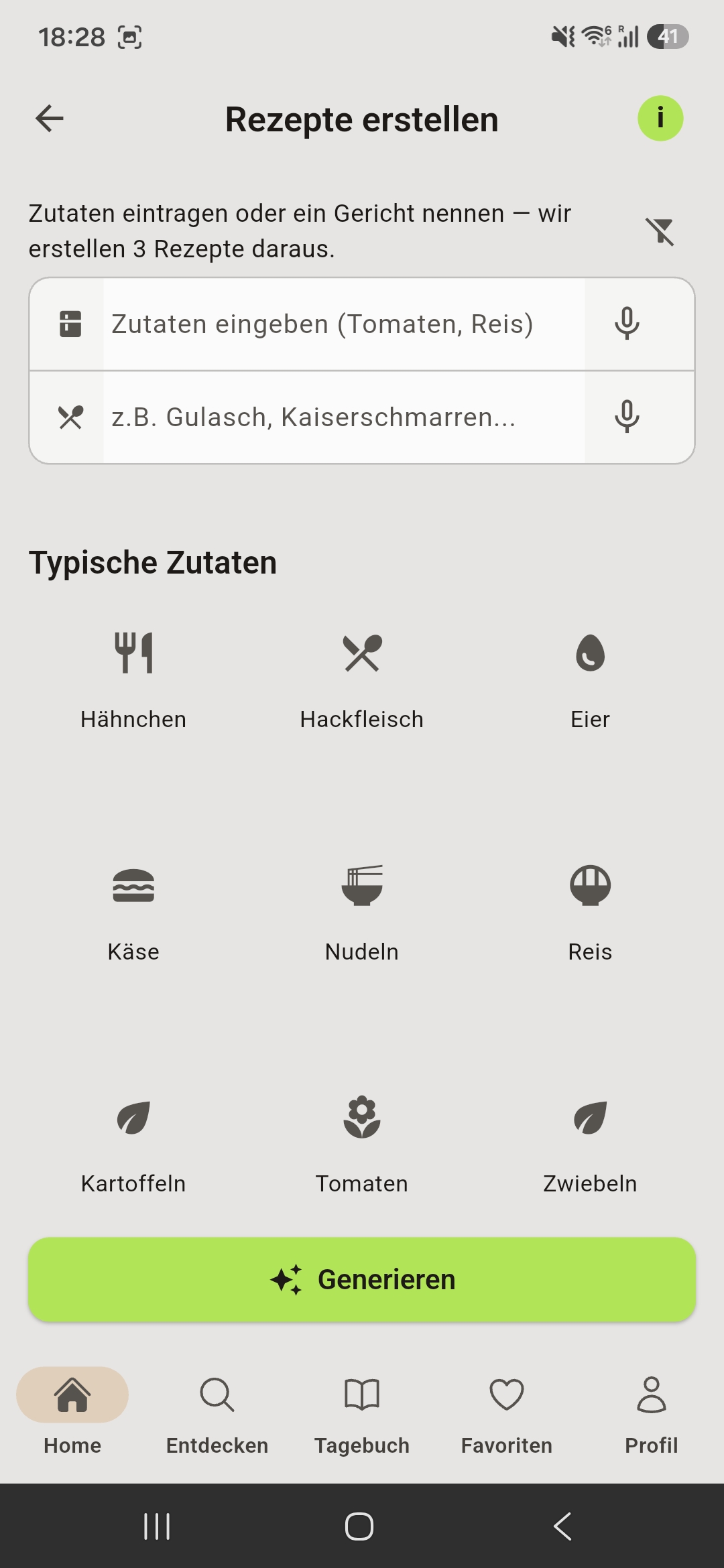
Enter ingredients
Type what you have – or say it out loud. Separate several ingredients with commas.
- 2
Choose preferences
Set your diet, allergies and optionally meal type, time or cuisine.
- 3
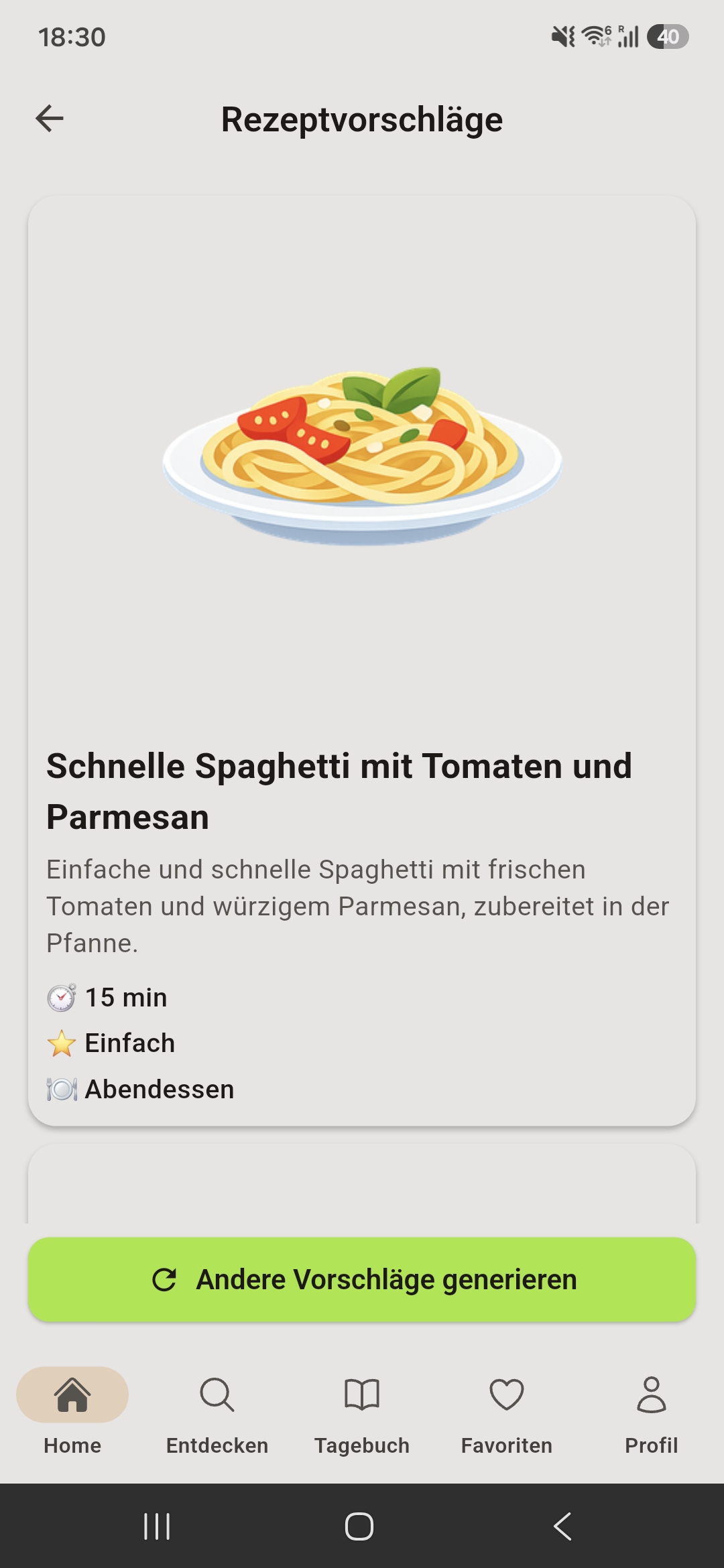
Get recipes
The AI suggests three matching recipes – each one is checked against your allergies and diet before you see it.
More than a generator
From your ingredients
Enter what's in your fridge – the AI suggests three matching dishes.
Allergies & diet checked
Every recipe is checked against your settings before you see it.
Diary & remaining calories
Track kcal and macros – with recipe ideas for what's left of your day.
No tracking
No account, no ads in the app, no user profiles.
Use up leftovers – ideas
- What can I cook with leftover rice?
- What can I make with stale bread?
- What can I cook with leftover potatoes?
- What can I make with leftover pasta?
- What can I cook with zucchini?
- What can I cook with broccoli?
- What can I cook with eggs?
- What can I cook with minced meat?
- What can I make with quark?
- What can I make with ripe bananas?
Frequently asked questions
Is the recipe generator free?
Yes. Free users get 3 cooking spoons per day for AI recipes, Premium gets 20. The 400+ hand-picked recipes are free without limits.
How does the AI know what I can eat?
You set your diet and allergies in the app. Every recipe is checked before it is shown; if it contains something excluded, it is filtered out.
What happens to my input?
No account, no tracking, no ads in the app. For AI recipes the ingredients are sent to my server and to Google Gemini – see the privacy policy.
Is the recipe generator available for iPhone?
Not yet – currently for Android on Google Play.